Quick start
Start NanoPing
sudo np up
NanoPing needs root to create network interfaces and tune the system, so run it with sudo. It starts in the background and prints where the dashboard is:
Started. Serving dashboard on http://127.0.0.1:8081
Activate the device
The first time a device starts, it has to be activated. NanoPing prints a link and opens it in your browser:
You need to activate this device. Go to the following link to sign in: https://user.nanoping.com/...
Sign in with your NanoPing account and the device is activated. It stays activated across restarts. Once activated, the node also joins your organization's cloud hub, so your other nodes show up in its dashboard.
Open the dashboard
Open the address from the output, http://127.0.0.1:8081 by default. The dashboard opens on the pipeline templates, the quickest way to get traffic flowing:
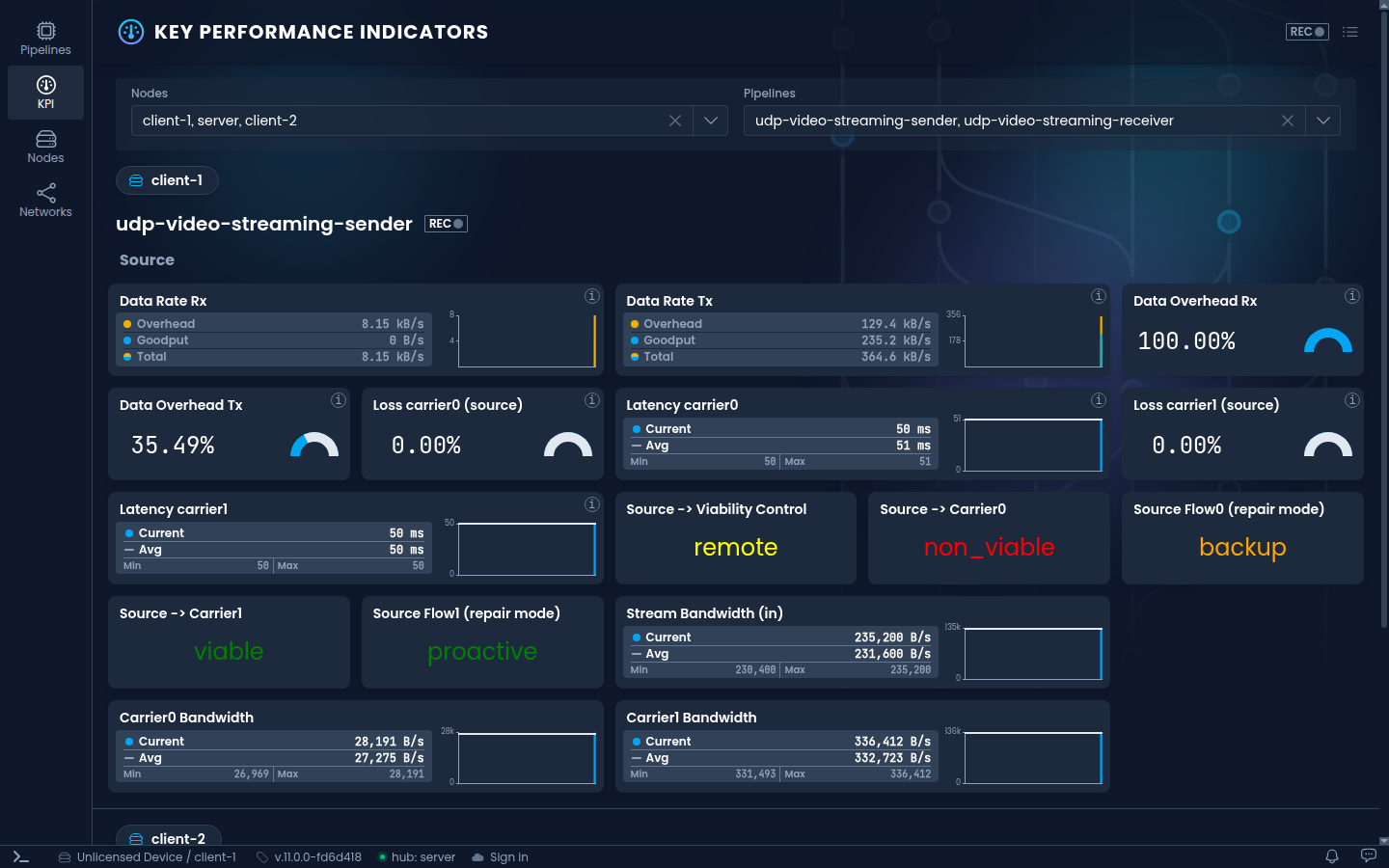
From here, create a pipeline from a template, or take the dashboard tour first.
Stop NanoPing
sudo np down
Useful options
| Command | Description |
|---|---|
np up -a | Stay attached to the terminal and print the log, instead of running in the background. |
np up --http 0.0.0.0:8081 | Serve the dashboard on another address. See HTTP before exposing it. |
np up --grpc <address> | Serve the gRPC API. |
np up --rest-api <address> | Serve the REST API. |
np -c config.yaml up | Start with a config file. |
np version | Print the version. |
np help | List all commands and options. |