Creating a network
To create a network go to Networks section, then find and click Create Network button on the right.

Within the opened dialog it is possible to configure name, subnet CIDR of the network and select default blueprints for each type of the network node.
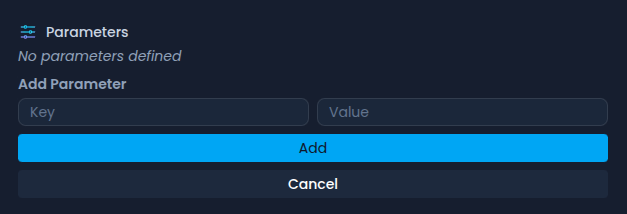
On top of that, custom parameters can be added in the last option on the right. Those key value pairs are available for use in the blueprints.
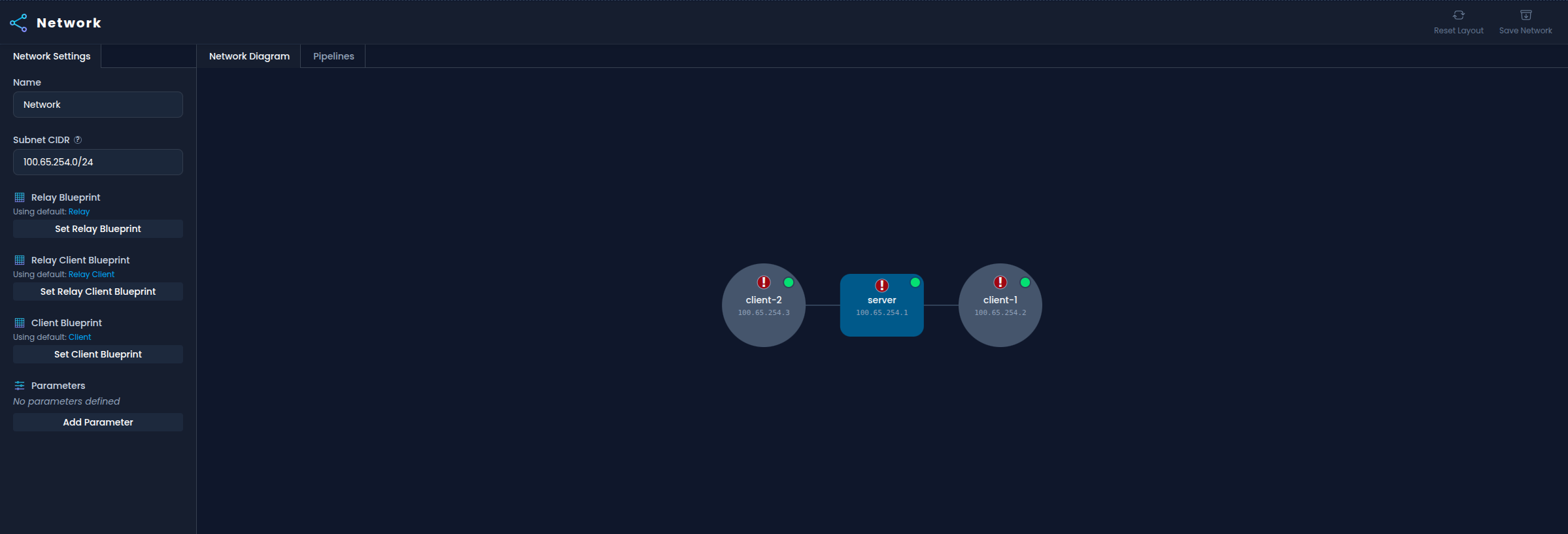
Each connected node should have a default ip address assigned to them according to the default subnet. It can be modified however it needs to be a valid and free address.
It's important to notice that node that the network was created (in case of the example it is the server) on received type Relay Node
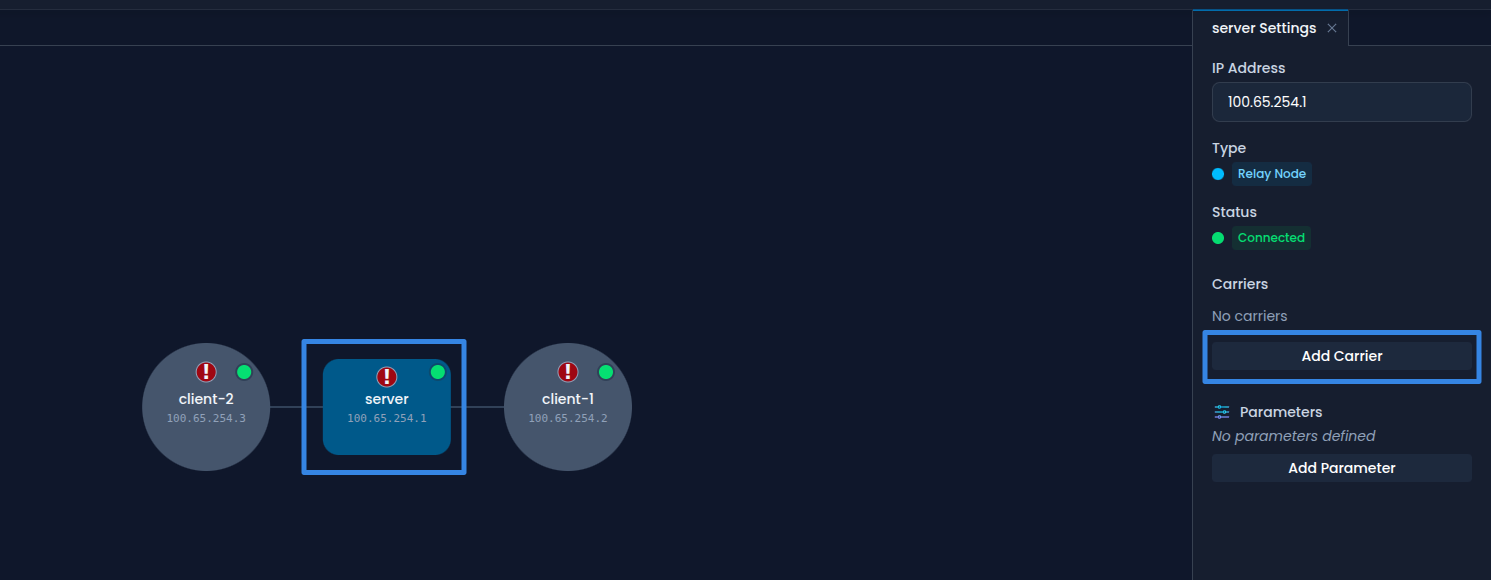
Nodes will need additional configuration, unless default carriers are configured.
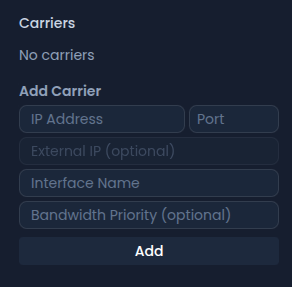
To do that, click on a node and then on Add carrier button.
If a node is a relay then IP Address, Port are required.
Otherwise, Interface Name can be provided instead of IP Address and Port, but at least one of those options is required.
External IP and Bandwidth Priority are optional for all nodes.
It is also possible to add custom parameters specific to a node, these can also be used in the blueprints.